 Best all-in-one solution for video converter, DVD tools, iPod Tools


AVI to MP4 Converter
WinAVI MP4/3GP/PSP/iPod Video Converter can convert AVI to MP4. It is an perfect AVI to MP4 converter which converts AVI to MP4 format. If you want to get your .AVI as well as other formats files to play on your general portable video device such as MP4 player, this video converter is your must-have program.
Step 1:
Free download MP4/3GP/PSP/iPod Converter, and then click the "Convert to MP4" button on the main interface, and then the program will pop-up a "Select file" box for you select your wanted avi video file.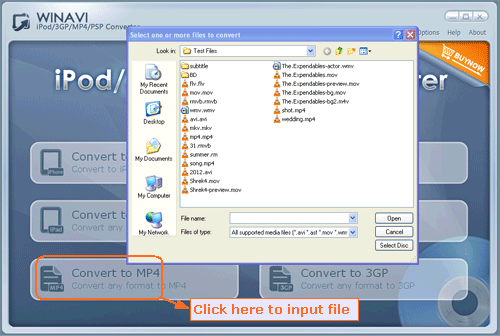
Step 2:
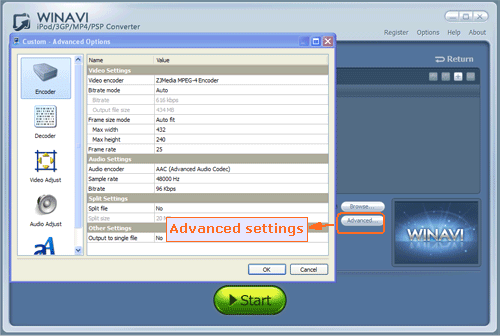
Set options for advanced settings to customize your MP4 video of output.
Step 3:
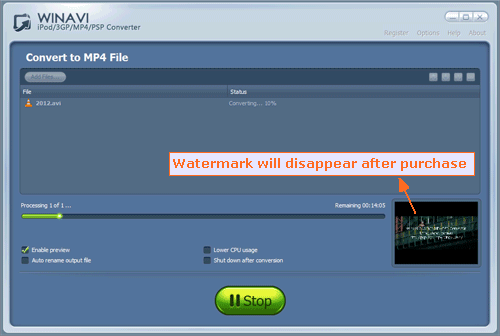
Click "Start" to start to convert AVI to MP4.